 DeliveryZ
Your whole run, one stop at a time.
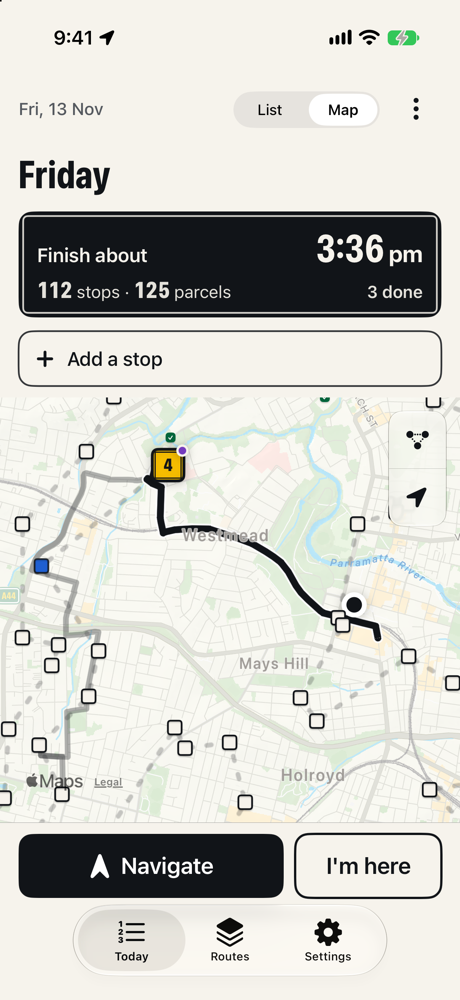
DeliveryZ plans the best order for 50 to 150 stops, drives you there with turn-by-turn directions, and shows only what you need at each door. Built for couriers in Australia.
4 Coming soon to the App StoreNo account. No ads. Your customers' details stay on your iPhone.
Add stops fast
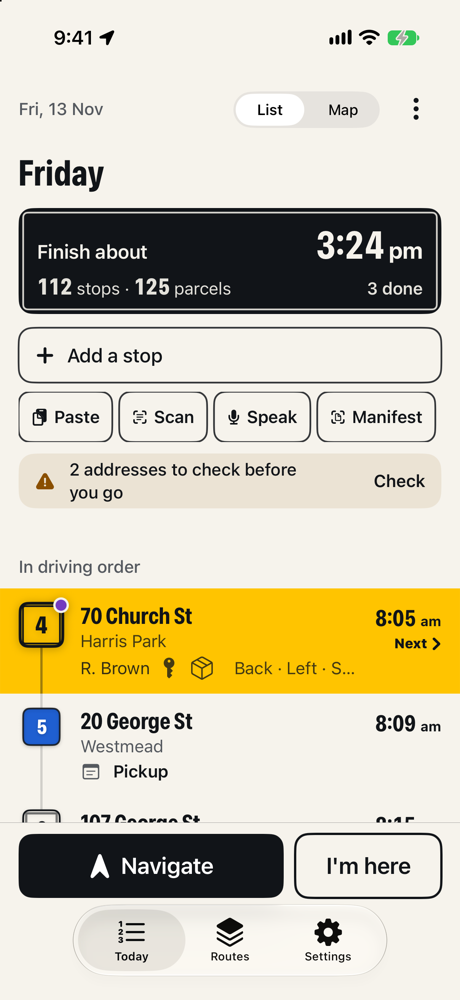
Type, paste a list, scan a parcel label or a printed manifest, or just say the address. Wrong suburbs and repeats get caught.
Best order
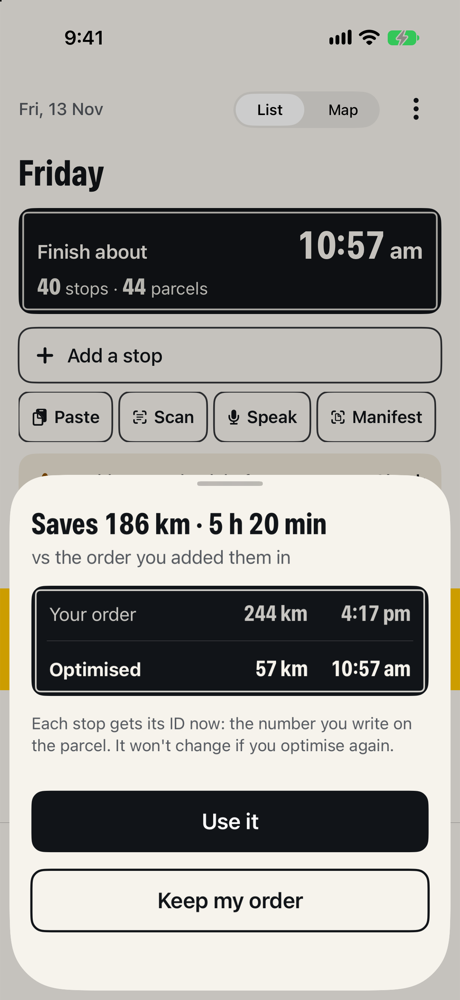
Optimise works out the order on your iPhone in a few seconds, keeps first and last stops and delivery windows, and shows how many kilometres it saves.
Drive
Turn-by-turn directions with voice, the speed limit for NSW roads, and the next stop on your Lock Screen. Or hand off to Apple Maps, Google Maps or Waze.
At the door
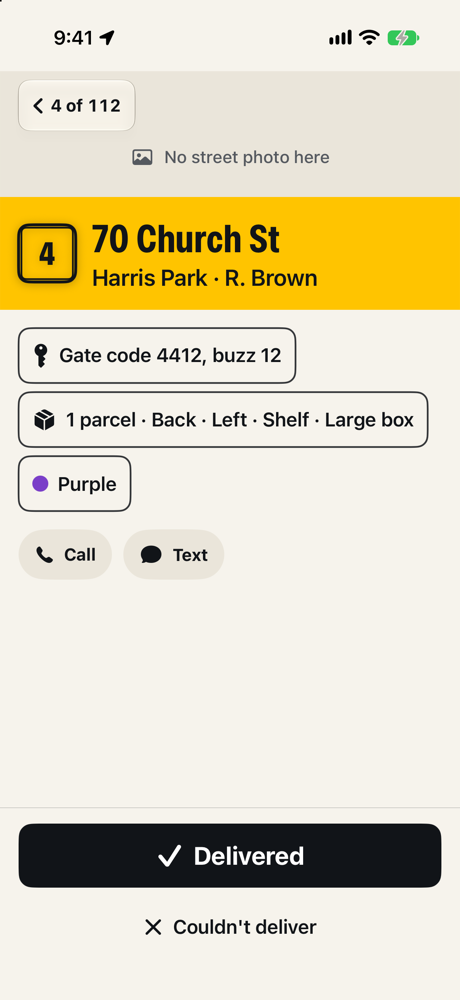
Gate codes, notes and where the parcel is in the van, then one big Delivered button. Couldn't deliver? One tap for the reason, or try again later today.
Load the van
Every stop gets a number to write on the parcel, and a loading list in reverse order so the next parcel is always nearest the door.
Private
No account, no tracking, no ads. Routes stay on your iPhone and old ones delete themselves. Privacy policy